
A free online qr code creator is a convenient tool that allows users to generate QR codes quickly without installing software or paying for expensive services.
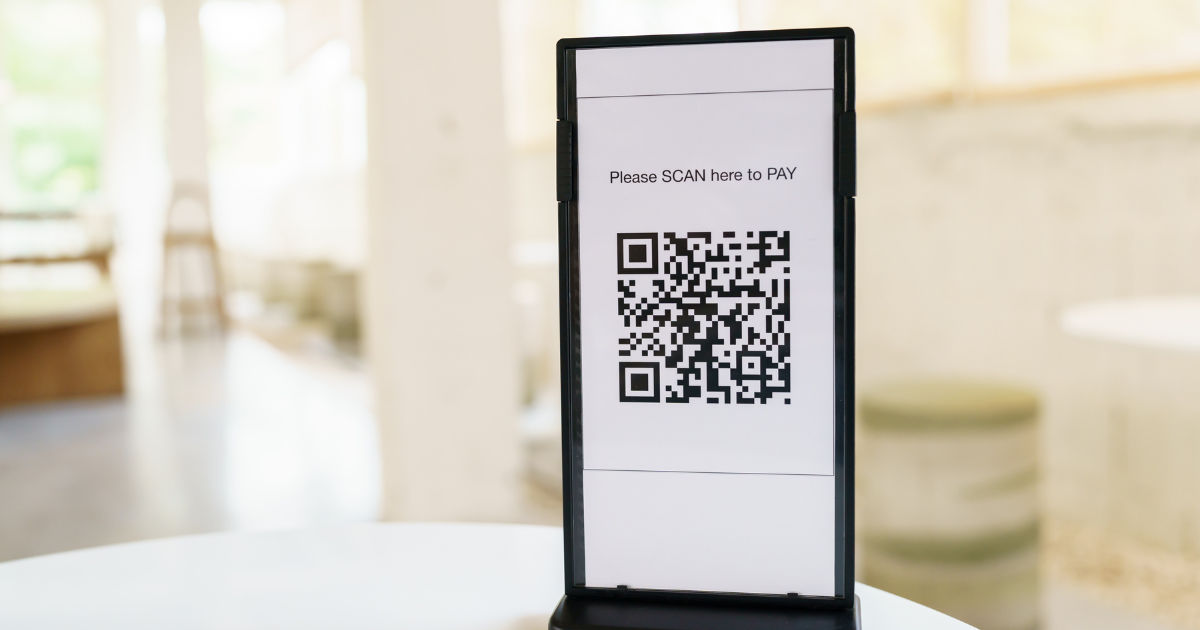
However, sometimes users experience problems where the QR code does not generate, the website fails to load, or the created QR code does not scan properly. These issues can be frustrating, especially when you need a QR code for business, marketing, payments, events, or personal use.
Understanding why these problems happen can help you fix them quickly. In most cases, the issue is related to browser settings, internet connection problems, incorrect data input, website limitations, or technical errors. This guide explains the most common reasons a free online qr code creator may not work and provides practical solutions.
Common Reasons a QR Code Creator Stops Working
Many people assume that QR code generators are simple tools that cannot fail. While generating a QR code is usually a quick process, several technical factors affect how well the tool performs.
Poor Internet Connection
One of the most common reasons an online QR code tool fails is an unstable internet connection. Since these tools work through a website, they require a reliable connection to communicate with the server.
If your internet is slow or frequently disconnects, the website may not load correctly. You might see a blank page, an endless loading screen, or an error message when trying to create a QR code.
Try refreshing the page, reconnecting your internet, or switching to another network. Sometimes moving from mobile data to Wi-Fi or vice versa can solve the problem.
Browser Compatibility Issues
Web browsers play an important role in how online tools function. An outdated browser may not support the latest features required by a QR code generator.
A free online qr code creator may depend on JavaScript, cookies, or other browser functions. If these features are disabled, the tool may stop working properly.
To fix browser-related issues:
-
Update your browser to the latest version.
-
Clear cached files and cookies.
-
Enable JavaScript.
-
Try opening the website in another browser.
Popular browsers such as Chrome, Firefox, Edge, and Safari usually work well when updated.
Problems With the QR Code Information
Sometimes the issue is not with the website but with the information entered into the QR code generator.
QR codes can store different types of information, including website links, text, contact details, email addresses, and payment information. If the data format is incorrect, the QR code may fail to generate.
Incorrect Website Links
A common mistake is entering an incomplete or incorrect URL. For example, forgetting “https://” or adding unnecessary spaces can create problems.
Before generating a QR code, check that the information is accurate. A QR code can only work correctly if the stored information is valid.
Too Much Data
QR codes have limits. Adding extremely long text, large amounts of contact information, or complex data can make the QR code difficult to generate or scan.
A good free online qr code creator usually handles normal amounts of information easily, but extremely large data can reduce performance.
For large amounts of information, consider creating a QR code that links to a webpage instead of storing all the details directly inside the code.
Website Server Problems
Online QR code tools depend on servers to process requests. If the website experiences technical problems, users may not be able to generate codes.
Server issues can happen because of:
-
High traffic volume
-
Maintenance work
-
Software updates
-
Temporary outages
If the website itself is down, there is usually nothing wrong with your device. Waiting a few minutes and trying again may solve the issue.
Checking whether other users are reporting problems can also help determine if the problem is temporary.
Browser Extensions Blocking the Tool
Browser extensions can sometimes interfere with online services. Ad blockers, privacy extensions, and security plugins may prevent certain website features from loading.
If a free online qr code creator is not responding, try disabling browser extensions temporarily.
You can also open the website in private or incognito mode. This mode often disables many extensions automatically and helps identify whether an extension is causing the problem.
QR Code Generation Limitations
Some free QR code websites offer limited features. They may restrict the number of QR codes you can create, limit customization options, or require registration after a certain number of uses.
A free online qr code creator may advertise unlimited access but still have hidden restrictions depending on the service provider.
Always check the website’s terms and conditions. Understanding the limitations can prevent confusion when a tool suddenly stops working.
The Generated QR Code Does Not Scan
Sometimes the QR code is created successfully, but scanning it does not work. This is a different problem from generation failure.
Poor Image Quality
A blurry or low-resolution QR code may not scan correctly. When downloading a QR code, choose a high-quality image format such as PNG or SVG.
Avoid stretching the image because changing the proportions can damage the code structure.
Incorrect Size
QR codes need enough space for scanners to recognize their patterns. If the code is too small, mobile cameras may struggle to detect it.
For printed materials like posters, business cards, and flyers, create a QR code that is large enough to scan from a normal distance.
Low Contrast Design
Customization options can sometimes create scanning problems. Adding unusual colors, backgrounds, or decorative elements may reduce readability.
A simple black QR code on a white background usually provides the best scanning performance.
Device-Related Issues
The problem may also come from the device you are using.
Older smartphones may have difficulty scanning certain QR codes, especially if the camera quality is poor. Similarly, outdated operating systems may affect QR code scanning applications.
Try scanning the code with another device to confirm whether the problem is with the QR code or your phone.
How to Fix a QR Code Creator That Is Not Working
If your QR code generator stops working, follow these troubleshooting steps:
Refresh the Website
A simple page refresh can solve temporary loading problems. Sometimes the connection between your browser and the website server becomes interrupted.
Restart Your Browser
Closing and reopening your browser can clear temporary errors and reload website resources properly.
Check Your Input Data
Review the information you entered. Remove unnecessary spaces, correct spelling mistakes, and confirm that links are working.
Try Another QR Code Tool
If one generator continues to fail, another service may work better. Different platforms use different systems, features, and server resources.
A reliable free online qr code creator should provide a simple interface, quick generation, and high-quality output.
Tips for Choosing a Reliable QR Code Generator
Not all QR code tools provide the same experience. When selecting a generator, consider these factors:
-
Easy-to-use interface
-
Fast QR code creation
-
High-quality downloads
-
Support for different QR code types
-
Secure handling of information
-
No unnecessary software installation
A good tool should work smoothly across different devices and browsers.
Is a Free QR Code Generator Safe?
Many users worry about security when using online QR code services. In general, reputable tools are safe, but users should still be careful.
Avoid entering sensitive information into unknown websites. If the QR code contains private details, make sure you trust the service provider.
Always review website permissions and avoid downloading suspicious files that claim to be QR code software.
Conclusion
A QR code generator that does not work can happen for many reasons, including internet problems, browser errors, incorrect information, server issues, or limitations of the service itself. Most problems can be fixed with simple troubleshooting steps like refreshing the page, checking your data, updating your browser, or trying another device.
Using a reliable free online qr code creator makes the process easier and reduces the chances of errors. Choosing a trusted tool, creating simple designs, and checking QR code quality will help ensure that your codes generate correctly and scan without problems.
QR codes have become an important part of modern communication, payments, marketing, and information sharing. When a generator stops working, understanding the possible causes allows you to solve the issue quickly and continue using QR technology without unnecessary delays.
MOST COMMENTED
Business
Critical Warnings What to Avoid When Cleaning Your Rental Bond in Melbourne
Other
Menghadirkan Sensasi Kasino Ke Rumah Anda Dengan Bermain Online
Other
Metode Optimal Untuk Meraih Kemenangan Di Game Slot Online Pilihan Utama
Gaming
Link Game Online Tanpa Iklan, Main Lebih Nyaman!
Gaming
Hargatoto Insights: Sympathy Lottery Damage Trends And Online Total Game Platforms